How to Get an IRS Identity Protection PIN
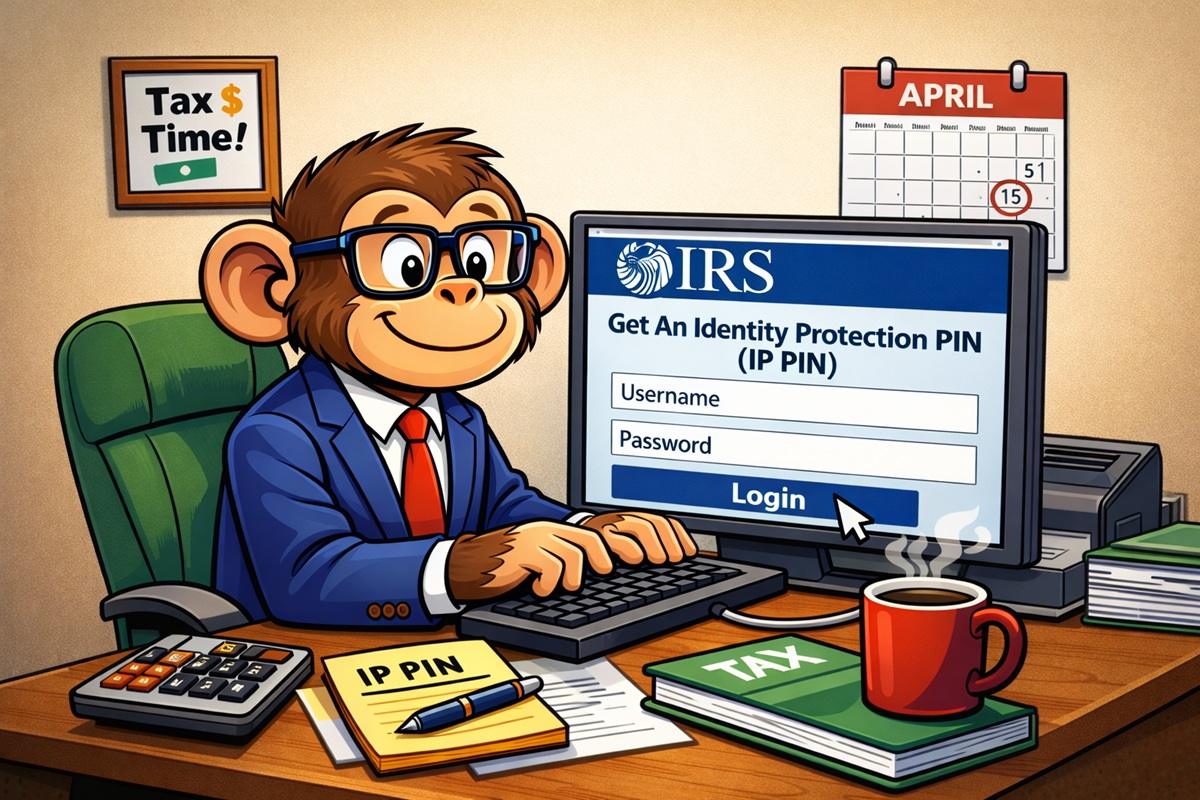

If you’re concerned about tax identity theft, your best protection is to get a 6-digit IRS Identity Protection PIN (IP PIN) from the IRS each year.
Tax identity theft is when a thief files a tax return for you and, presumably, takes your refund. If they have your name, address, and Social Security Number, this is possible. If you’ve ever filed a return and it’s rejected because they already have it, you’ve been a victim of tax identity theft.
The IRS does have proactive measures in place to detect and resolve these, it’s known as the Taxpayer Protection Program, but they’re often slow. If they see a suspicious tax return filed with your name and Social, they send you a letter.
Yes. A letter. In 2026.
And in 2024, they flagged 2.4 to 3.6 million returns as potentially involving identity theft. Of those, they confirmed 105,000 fraudulent returns and blocked refunds.
So, if you are concerned, opt into the IRS Identity Protection PIN Program.
Once you opt into the program, the IRS will send you a six digit IP PIN each year with a CP01A notice that you must put on your tax return or they will not accept it. You will also need to use a PIN for prior year returns too.
If you’ve never been the victim of identity theft, there’s no compelling reason to do this. You’re adding another layer of complexity to your tax return that is for folks with an identity theft problem.
If you don’t mind the added complexity, there’s little downside to doing this.
Whenever you opt into the program, you’ll get a new PIN each year by mail. You can also look it up online, so if you’ve lost the letter, you don’t need to request a new letter and wait. Just log in and look it up.
The process for getting one is fairly easy, especially if you’ve already set up an ID.me account. That’s the part that takes the longest.
As for whether you should set it up, that’s up to you.
If you do, here’s how to get one:
Go to the IRS Online account for individuals page and tap/click on the blue “Sign in or create account” button. This will take you to ID.me login or registration page.
If you’ve never done this, you need to create an account and verify your identity with a photo of a government ID and a selfie. If you aren’t comfortable with sending photos of those, you can also have a live video call with an ID.me agent to confirm your identity.
If you are registering, I recommend using a secure classified email address.
After logging in, at the top right, click on Profile and you’ll see Identity Protection PIN as an option in the left menu:
Click that.
It’s as simple as clicking on the blue “Enroll in IP PIN” button and confirming you’re enrolling into the program.
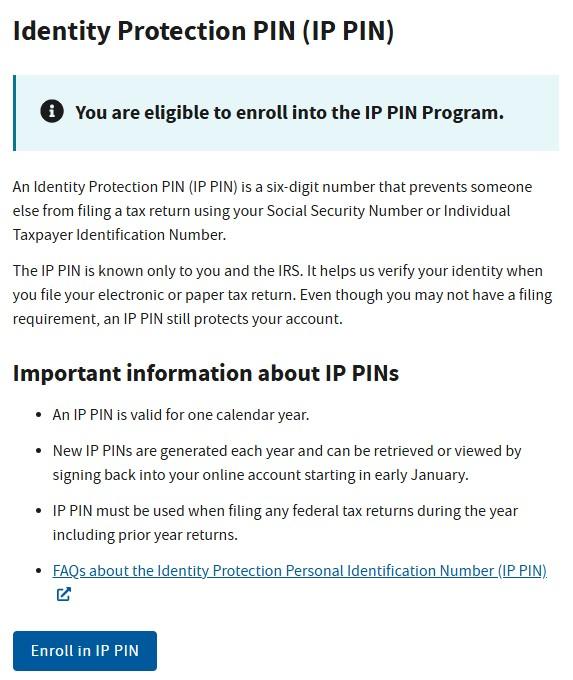
You can opt to enroll for only the current year or you can opt into the program forever.
If the IRS enrolled you into the program because of prior identity theft, you cannot opt out.
If you voluntarily enrolled, you can opt out and discontinue using the PIN.
Then, every year in January, the IRS will issue you a new PIN that you will need to use on your tax return. If you fail to include it, they won’t accept your return.

The National Student Clearinghouse Research Center released its 14th annual High School Benchmarks report on September 17, 2026, tracking where...

If you’re overwhelmed by education debt, you may be asking, “Can I file bankruptcy on student loans?” The answer is...

A dividend is a cash payment a company sends to shareholders, quarterly for most U.S. stocks. Reinvested dividends account for...